OpenClaw Review: First Impressions
Intro
This is my OpenClaw review of my initial experience. I've jumped into the fray to set up, explore, and understand the use cases and limitations of OpenClaw. I wanted to take the time to condense some of my experiences and thoughts into a cohesive record documenting my findings and helping others.
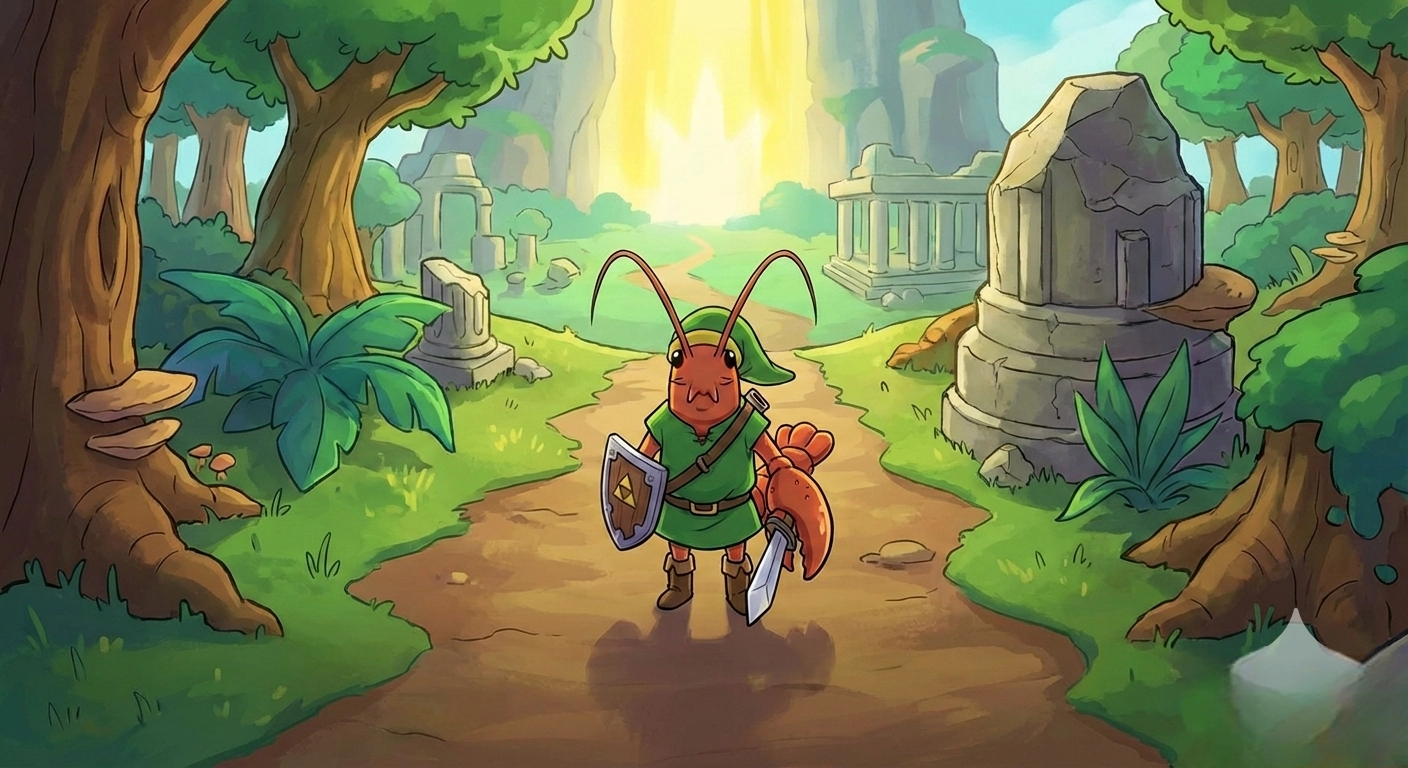
The OpenClaw offers a locally centralized AI assistant which supports multiple third-party messaging clients and both BYO AI keys and locally hosted LLMs. For years, I’ve hosted a local Docker stack of open-source services on a mac mini. Once I reviewed the getting started docs and spotted support for Tailscale, I set off to step through the setup.
Getting it off the ground
First Win: WhatsApp + Tailscale
Since my containers use Tailscale for external connectivity, I installed Tailscale for macOS on the mini to assign the system a new dynamic address and selected the standard install over the specific Docker setup.
After my first TL;DR of the gateway setup, I chose WhatsApp and attempted setup with my own personal number. Although instructions exist on how to get this running, I pivoted and used a secondary phone number to set up a new WhatsApp business account, clearly separating the two accounts.
My requirement was to make sure that I used a strict WhatsApp allow list containing my phone number and that the OpenClaw gateway dashboard is only available over my existing Tailnet. While this took a little extra work, I finally got a working dashboard up and running.
Multi-Agent from Day One
Next up was testing the integration of my various agent subscriptions. I have both a Claude Code Pro and GitHub Copilot Pro subscription. I’ve quickly set these up and started testing. Since my Mac Mini is an M1 series desktop, I wanted to avoid self-hosted LLMs but wanted to test out additional models like Google’s Nano Banana text-to-image generation. After doing some research on companies that offer prepaid API access, I landed on kie.ai.
After reviewing the supported options, I couldn’t find a specific path to integrate directly with kie.ai, so I tested the nascent OpenClaw client to build out a skill. After a few rounds of iterations, I created and tested my first skill: Kie Ai Skill — ClawHub. This gave me basic text-to-image skills using the allocated credits in my Kie AI Skill.
Next up, I quickly selected lower-cost,fast,mini models were the better choice. I leveraged my GitHub Copilot subscription’s Claude Haiku 4.5 or GPT-5 mini models, as GitHub has a great chart detailing the calculation of premium requests.
My Mistakes (So You Don't Have To)
Mistake #1: The Google Anti-Gravity Gambit
Trying to balance and optimize my token utilization, I signed up for a Google AI Pro trial. After reading that OpenClaw supported integration to my trial account using Google Antigravity, I also set this up. Unfortunately, after about three hours of light usage, I received API errors. I switched to one of my fallback providers and thought little of it. A few days later, I discovered that my subscription also included Gemini CLI. This is when I surfaced an error that my account is banned from using Gemini CLI. Searching this error, I discovered multiple users reporting the same issue on Google’s Developer Discourse forum:

Earlier this week, the project’s creator, Peter Steinberger, also commented on Google's decision.
https://twitter.com/steipete/status/2025743825126273066
Mistake #2: The OpenRouter Auto-Routing Spike
OpenRouter is another of the prepaid model API services I tested. While OpenClaw natively supports OpenRouter connectivity, it’s currently optimized for auto model selection. While I tried to create an accurate cost projection using a lower-cost fast model, using the auto-selection within an hour of usage, I saw tasks being delegated to Anthropic’s Opus model. When I recalculated the projection of costs, I discovered I would spend my prior six-month budget in around two weeks.
As such, I restructured to use this as a last-resort fallback model. Lesson learned: "Best" and "cheapest" are not objectively the same; auto-routing without cost constraints is a liability.
My Current OpenClaw Stack
Today my stack runs on GitHub Copilot's bundled models as the primary path:
github-copilot/claude-sonnet-4.5for general tasksgithub-copilot/gpt-4oas a fallbackgithub-copilot/gpt-5.2-codexfor cron jobs
Copilot's existing $20/month subscription covers these models. For pay-as-you-go, I run two providers: OpenRouter for overflow and specialized calls, and kie.ai for anything creativity-based — image generation, visual tasks, and generative work where the Copilot models fall short.
My original plan of adding a Claude Code OAuth token into OpenClaw as my Anthropic provider was short-lived. In January 2026, Anthropic began blocking subscription OAuth tokens from working outside Claude Code, and on February 19th, they made it official policy: using those tokens in any third-party tool violates their Consumer Terms of Service. The reviews I'd seen flagging it as risky were right. So I rebuilt around what's actually sanctioned. As it mirrors the Google anti-gravity situation: if a setup feels like it's exploiting a pricing gap, it probably is, and the platform will eventually close it.
What I’ve Built
Thus far OpenClaw has filled a nice experimentation gap; smaller scripts or repetitive jobs that I think I can quickly get up and running with an agent’s help have been a good fit. So far I’ve created and published two skills to ClawHub..
TestFlight Seat Monitor
TestFlight betas fill fast — blink and the slot is gone, with no notification that it was ever available. I built a cron skill that polls TestFlight URLs on an hourly schedule and fires a WhatsApp alert the moment a seat opens. It's a small thing, but it's the task OpenClaw handles well: set it, forget it, get the ping when it matters.
It's published to ClawHub as clawhub install testflight-monitor, and it's already paid for itself — I caught the Reddit beta opening and grabbed a slot I would have otherwise missed entirely.

kie-ai Skill (Image Generation)
The kie-ai skill started as a documentation gap problem. There was no published API reference for checking your kie.ai credit balance from within OpenClaw, so I dug through the network requests until I found the endpoint (/api/v1/chat/credit) myself.
From there, I tasked OpenClaw to build out a full skill: image generation, balance checking, and an optional Google Drive upload for anything worth keeping. At the nano-banana-pro tier, it runs about $0.08 per image against a 910-credit pool, which makes it practical for regular use without worrying about runaway costs.

OpenClaw Review: Conclusion
What surprised me most about OpenClaw wasn't the runtime itself — it was the size of what's grown around it. ClawHub has over 5,700 skill submissions, with 2,999 curated after filtering out spam, crypto schemes, and outright malicious entries. With skill categories like AI & LLMs, DevOps, and a growing multi-agent orchestration layer with tools like cognitive-memory, coding-agent,and skill-vetting. The cognitive memory system — episodic, semantic, procedural, and vault stores with decay cycles — syncs to Obsidian via symlinks, which made it immediately useful for my existing workflow. There's also the multi-agent social layer — Moltbook and ClawPrint — that I haven't touched yet.
The honest take is that this is a capable platform wrapped in a young project's rough edges. The WhatsApp + Tailscale combo is genuinely useful day-to-day; multi-model routing without juggling accounts is the real sell, and publishing skills is straightforward once you understand the ecosystem's conventions. But usage tracking is inconsistent across providers, documentation gaps are real — I had to reverse-engineer the kie.ai balance endpoint from raw network requests — and the pace of change means you should expect to debug config issues regularly. If you're comfortable treating it as infrastructure you maintain rather than a product that just works, it pays off. If you want something ready to use right away, it still has a way to go.
Comments